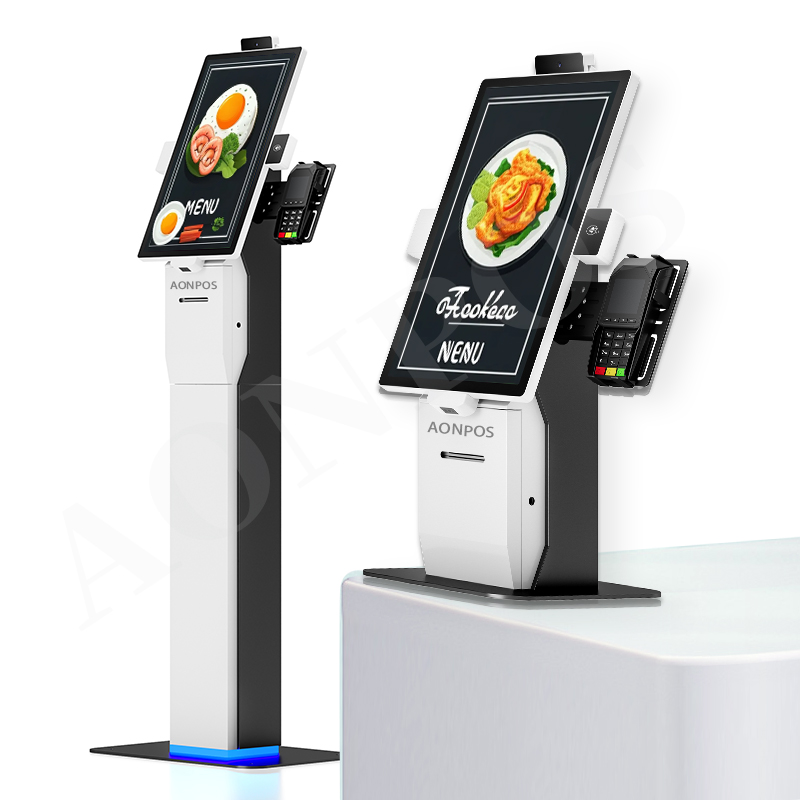
Digital Windows All-in-One POS Solution for Modern Retail and Hospitality Businesses
Jul 31, 2026Modern businesses need more than a basic cash register. They need a dependable point-of-sale platform that connects employees, customers, software, payment devices, and store peripherals at one efficient checkout station.
The AONPOS Digital Windows All-in-One POS Solution is designed for retailers, restaurants, cafés, hospitality operators, service businesses, software providers, and system integrators that require stable performance, flexible configuration, and professional commercial hardware.
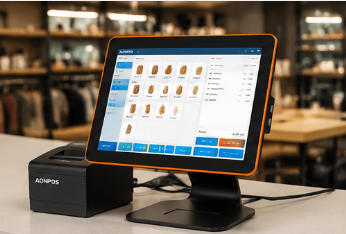
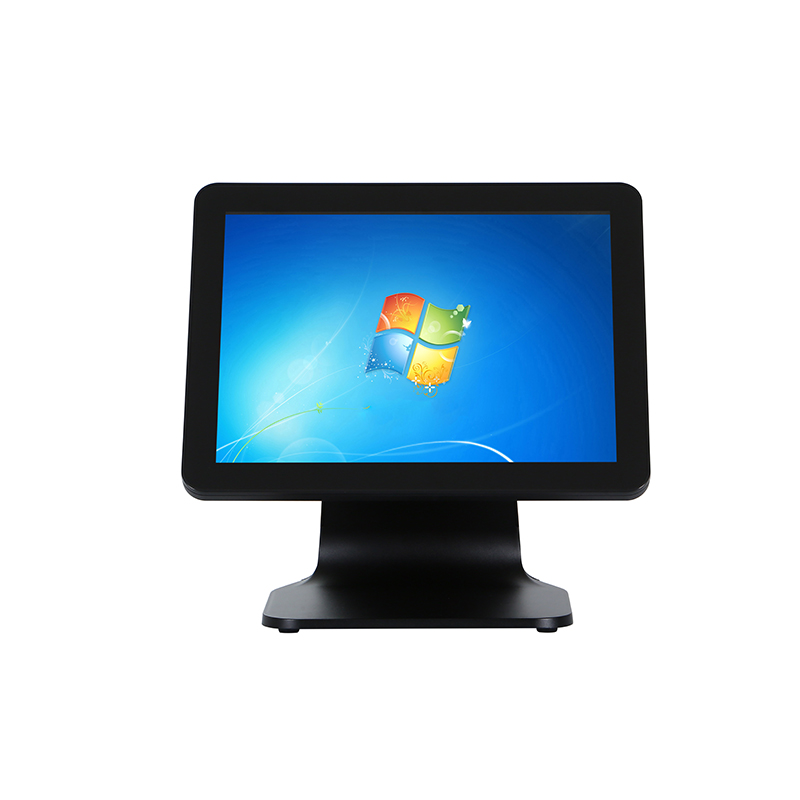
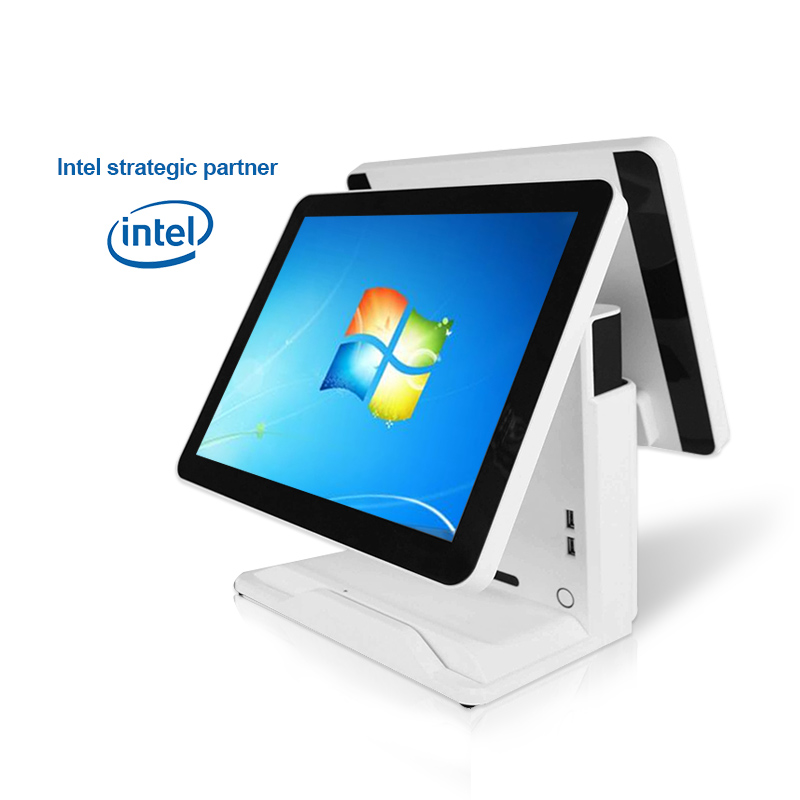
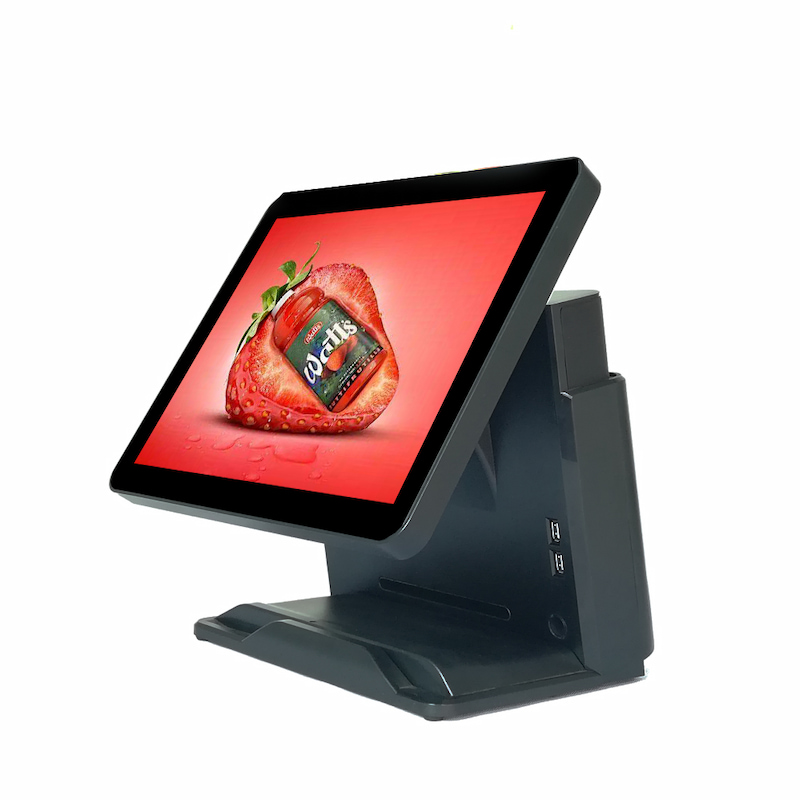
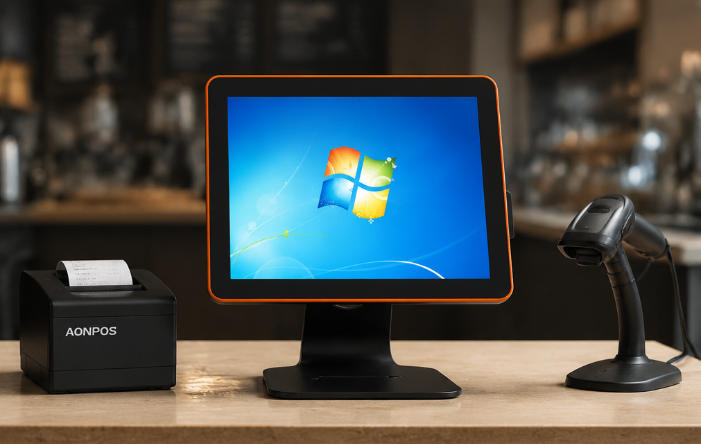
Built around the AONPOS AP07 Windows POS terminal, this solution combines a responsive capacitive touchscreen, configurable computing performance, SSD storage, practical peripheral connectivity, and a modern bezel-free appearance. It helps businesses create organized checkout environments while giving solution providers a flexible hardware foundation for different POS software and deployment requirements.
Rather than forcing every project into a fixed configuration, AONPOS supports tailored hardware options for different industries, transaction volumes, budgets, and regional requirements.
A checkout station is one of the most important operational points in a retail or hospitality business. When the hardware is slow, unstable, difficult to operate, or incompatible with essential peripherals, the effects are immediately visible.
Employees may need more time to complete transactions. Customers may wait longer during peak periods. Peripheral connection problems can interrupt printing, scanning, payment processing, or cash drawer operation. Outdated equipment can also make a modern store look less professional.
Businesses commonly face several POS hardware challenges:
Slow transaction processing during busy hours
Limited compatibility with business software
Complicated combinations of separate computers and monitors
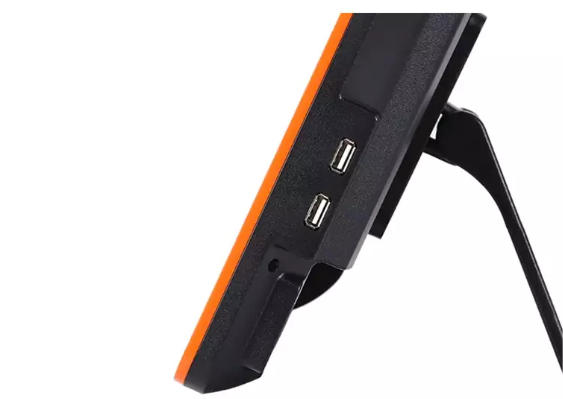
Insufficient interfaces for printers, scanners, and payment devices
Difficult maintenance and inconsistent hardware configurations
Limited customization for software deployment or brand projects
Bulky checkout counters with excessive cables
Hardware that cannot support future business expansion
The AONPOS Digital Windows All-in-One POS Solution addresses these issues by integrating the essential computer and touchscreen components into a compact commercial terminal. This reduces hardware complexity while maintaining the flexibility required for a complete POS workstation.
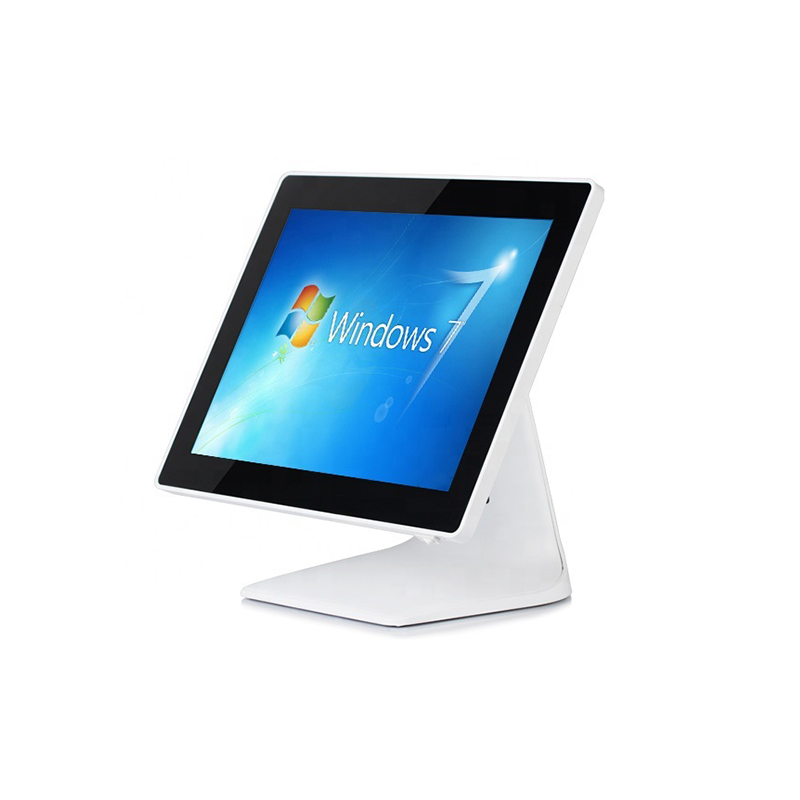
Windows remains an important operating environment for many retail, restaurant, hospitality, and business-management applications. Many established POS software platforms, inventory programs, ERP applications, membership systems, and back-office tools are developed for Windows-based hardware.
The AONPOS AP07 provides a practical platform for these applications. Businesses and integrators can install suitable Windows-compatible POS software according to their local market, business model, and management requirements.
Depending on the software being deployed, a complete Windows POS solution may support functions such as:
Product and SKU management
Order entry and transaction processing
Inventory monitoring
Employee account management
Customer and membership records
Discount and promotion management
Sales reporting
Table and menu management
Multi-store data synchronization
Accounting or ERP integration
AONPOS supplies the hardware platform rather than limiting buyers to one proprietary POS application. This gives software companies, distributors, and system integrators greater freedom to build solutions around their preferred software ecosystem.
For a broader view of available terminal styles and configurations, buyers can explore the complete AONPOS POS system range.
The visual appearance and physical organization of a checkout station influence both staff efficiency and customer perception.
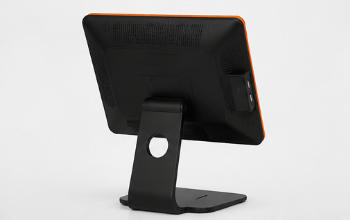
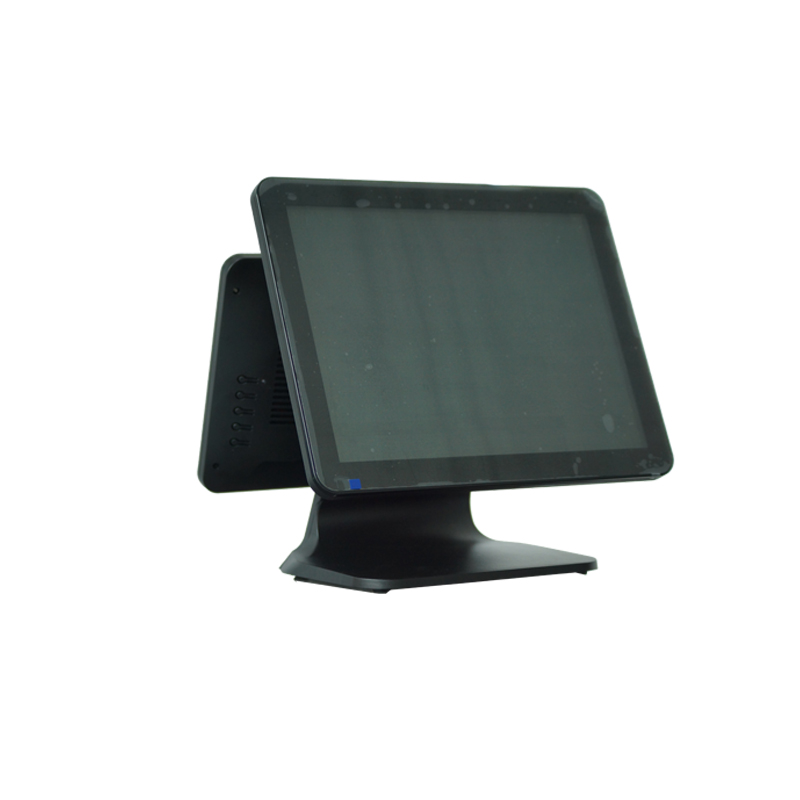
The AP07 uses a modern bezel-free design that helps create a clean, contemporary point-of-sale environment. Its all-in-one structure combines the touchscreen and computer hardware in one terminal, reducing the need for a separate desktop computer and external monitor.
This integrated design offers several practical advantages.
First, it helps save counter space. This is valuable for boutiques, convenience stores, cafés, bakeries, salons, reception desks, and smaller service counters where every part of the workspace must be used effectively.
Second, it can reduce cable clutter. A more organized counter is easier to clean, easier to maintain, and more comfortable for employees to use throughout the working day.
Third, the streamlined design presents a more professional image. Customers increasingly expect digital, responsive, and visually organized service environments. A modern touchscreen terminal supports this expectation without distracting from the store’s interior design or branding.
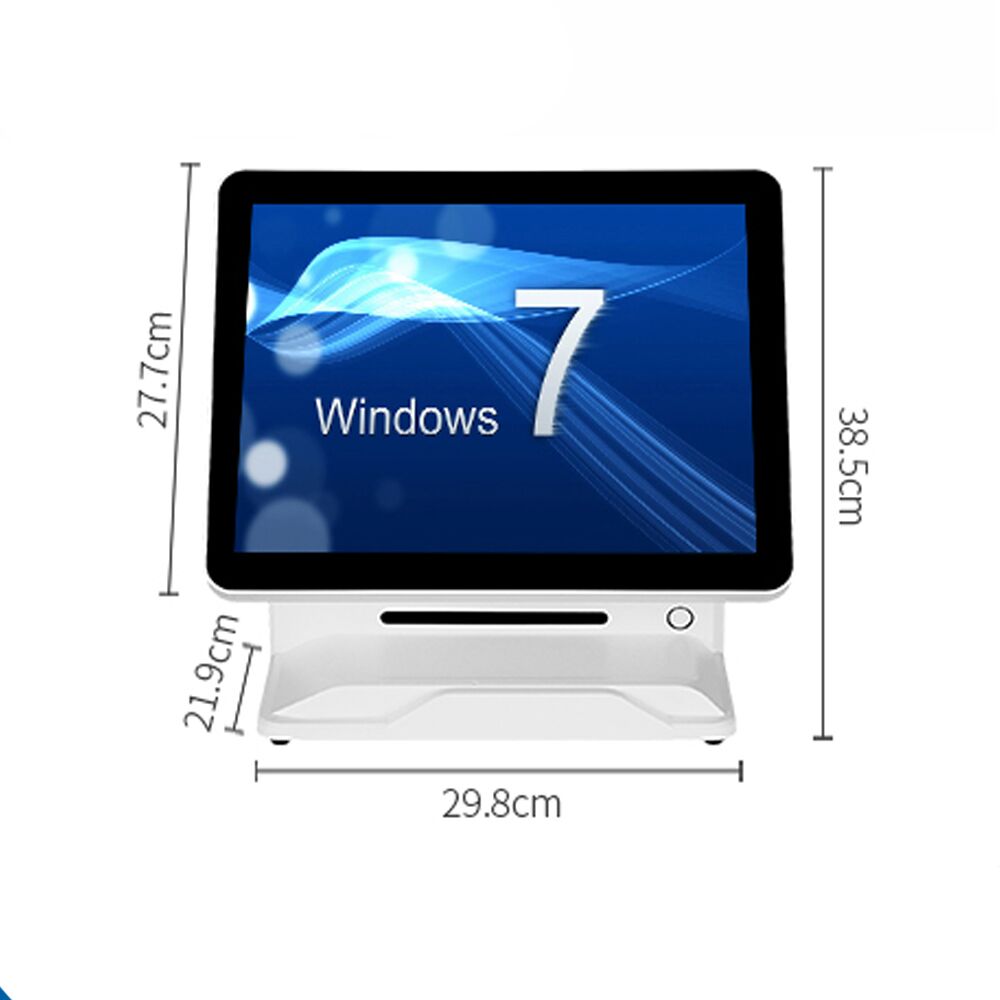
The AP07 is available with 15-inch or 15.6-inch touchscreen options, allowing buyers to select an appropriate display format for their application and software interface.
POS employees frequently repeat the same actions hundreds of times each day. They select products, enter quantities, apply discounts, search for items, choose payment methods, confirm orders, and print receipts.
A responsive touchscreen can therefore make a meaningful difference to daily productivity.
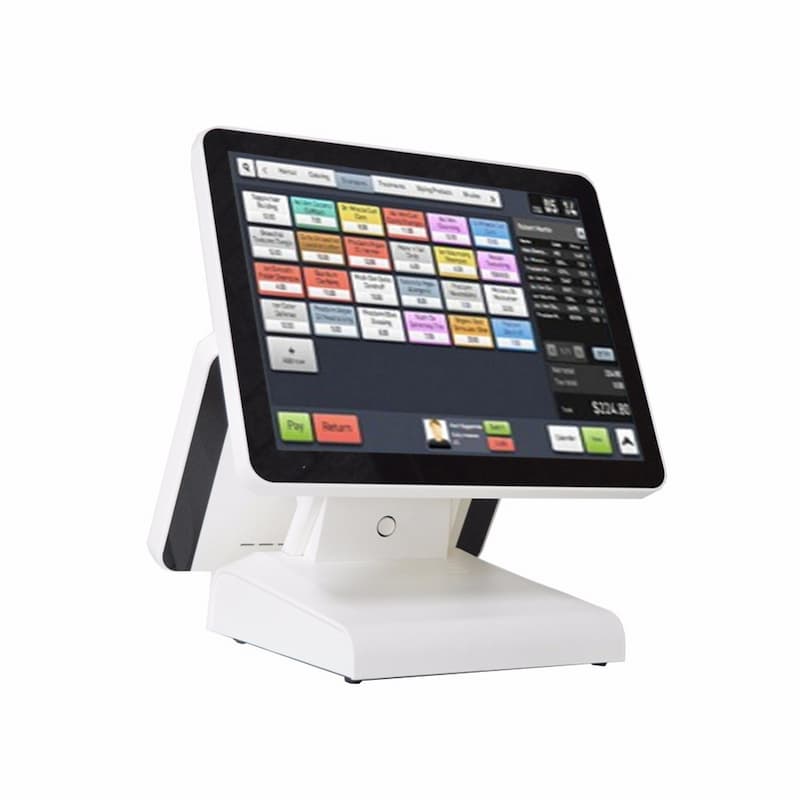
The AP07 uses capacitive touch technology, providing an intuitive operating experience for modern graphical POS interfaces. Employees can navigate menus, product buttons, order lists, and transaction screens directly on the display without relying entirely on a keyboard and mouse.
Capacitive touchscreens are especially appropriate for visually organized software with large icons, product categories, quick-action buttons, and gesture-based navigation. They can also reduce the training time required for new employees when the software interface is properly designed.
For businesses evaluating different touchscreen technologies, the AONPOS guide to capacitive and resistive POS touchscreens provides additional guidance on selecting the appropriate screen type.
Not every business runs the same software or processes the same transaction volume. A small independent shop may require a lightweight checkout application, while a restaurant chain, supermarket, or integrated management project may need stronger processing performance.
The AP07 can be configured with several processor options, including Intel J4125, Core i3, and Core i5 platforms. Memory and SSD capacities can also be selected according to project requirements.
Available configuration options include:
Intel J4125, Core i3, or Core i5 processor
2GB, 4GB, or 8GB memory options
32GB, 64GB, 128GB, or 256GB mSATA SSD options
15-inch or 15.6-inch touchscreen configurations
This flexibility enables buyers to balance performance and cost.
A basic configuration may be suitable for straightforward billing, order entry, and payment workflows. A higher specification may be more appropriate when the terminal must run a larger database, connect with multiple management applications, process detailed reports, or support more demanding software.
AONPOS works with buyers to identify an appropriate configuration based on the operating system, software workload, peripheral requirements, expected transaction volume, and target market.
Storage performance is another important part of a commercial POS terminal.
The AP07 uses mSATA SSD storage rather than relying on a traditional mechanical hard drive. SSD technology can support faster system startup, more responsive application loading, and improved resistance to the physical movement or vibration that may occur in commercial environments.
Because the terminal offers multiple SSD capacities, businesses can select storage according to the size of their software installation, local database, product records, reports, and other files.
For cloud-connected POS applications, a smaller local drive may be sufficient. Projects that store more information locally or install additional management software may benefit from a higher-capacity option.
The final configuration should always be evaluated together with the software provider. POS hardware and POS software perform different but closely connected roles, as explained in the AONPOS article on POS software versus POS hardware.
An all-in-one terminal becomes a complete point-of-sale solution when it is connected with the correct peripherals.
Depending on the business model, the AP07 can form the center of a workstation that includes:
Thermal receipt printer
Barcode or QR code scanner
Cash drawer
Customer-facing display
Payment terminal
Magnetic stripe reader
Keyboard and mouse
Label printer
Electronic scale
Wi-Fi or network equipment
The exact peripheral combination should be selected according to the application.
A fashion retailer may need a barcode scanner, receipt printer, cash drawer, and card payment device. A restaurant may prioritize a kitchen printer, customer display, cash drawer, and ordering software. A grocery store may require faster scanning, scale integration, durable receipt printing, and reliable operation during long business hours.
AONPOS also manufactures and supplies complementary POS hardware, helping buyers coordinate terminals and peripherals within one purchasing or customization project.
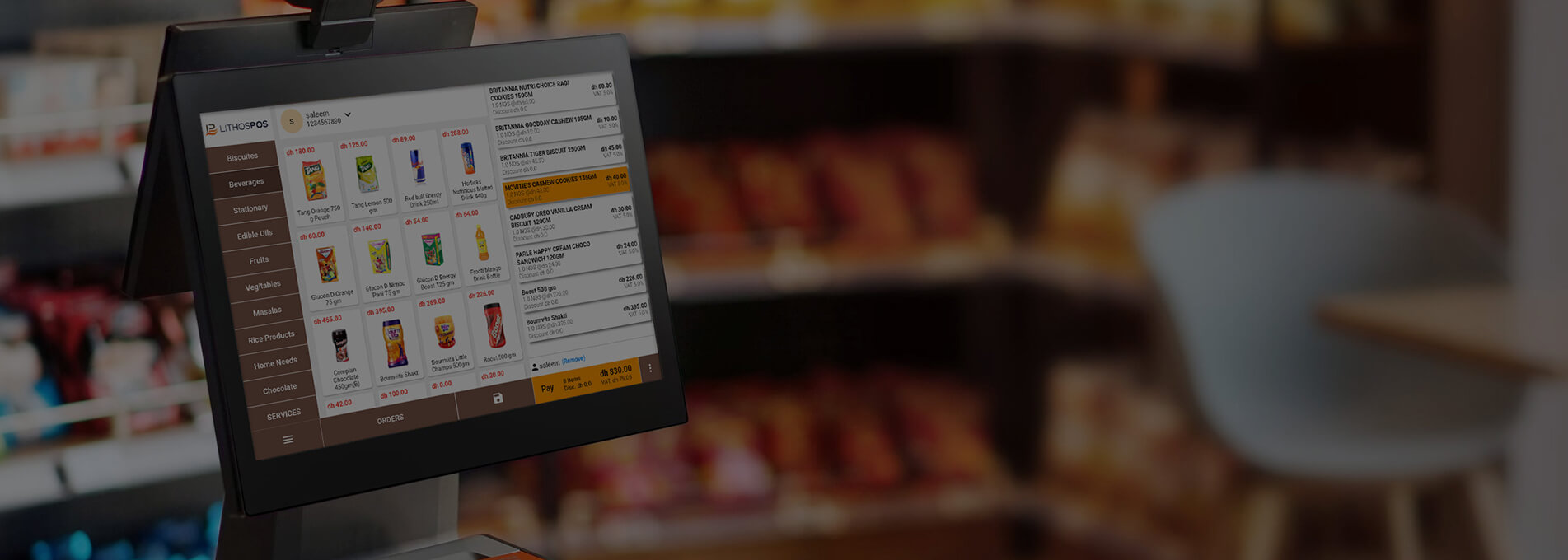
In retail environments, the AP07 can serve as the main checkout computer for product selection, barcode scanning, inventory updates, payment confirmation, receipt printing, and customer management.
Potential applications include:
Fashion and footwear stores
Electronics shops
Convenience stores
Supermarkets and grocery stores
Pharmacies
Cosmetics stores
Specialty retailers
Gift and souvenir shops
Bookstores
Hardware stores
The terminal’s touchscreen interface allows cashiers to access frequently used functions quickly, while the Windows platform supports many established retail POS software applications.
For high-volume grocery and supermarket projects, additional peripherals and software functions may be required, including scales, high-speed scanners, customer displays, loyalty tools, and inventory synchronization. Buyers planning these deployments can review the AONPOS grocery store POS hardware guide for further system-planning considerations.
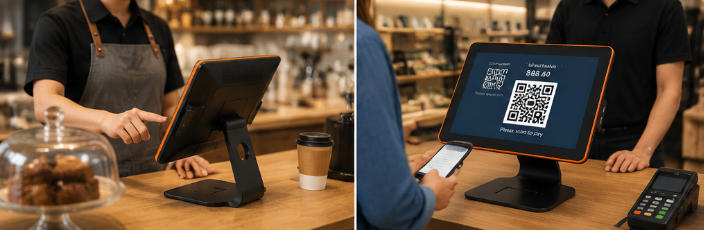
Restaurants and cafés require a POS terminal that supports fast order entry and clear communication between front-of-house employees, payment stations, and kitchen operations.
When combined with suitable restaurant software, the AP07 can support:
Menu and category selection
Table management
Takeaway and dine-in orders
Order modifications
Discount management
Bill splitting
Receipt and kitchen printing
Shift management
Daily sales reporting
Customer and loyalty programs
The touchscreen format is particularly useful for restaurant software that organizes products into visual categories. Employees can quickly select menu items, customize orders, and send instructions to the appropriate preparation area.
The AP07 may be used in cafés, bakeries, quick-service restaurants, casual dining locations, bars, food courts, hotel counters, and other hospitality environments.
A complete restaurant deployment should also consider receipt printers, kitchen printers, cash drawers, barcode or QR scanners, payment devices, and networking equipment. Additional planning guidance is available in the AONPOS article on restaurant POS hardware.
The AP07 is not only intended for end users. It also provides a configurable hardware platform for POS software developers, distributors, project contractors, and system integrators.
These partners often need hardware that can be adapted to different customer environments while maintaining a consistent product appearance and component specification.
AONPOS can support projects involving:
Software pre-installation
Operating-system configuration
Hardware specification selection
Peripheral compatibility evaluation
Customized logos and branding
Packaging customization
Interface and accessory selection
Sample testing before volume deployment
OEM and ODM project development
Batch production for regional distribution
Before volume production, buyers should provide detailed information about their software, operating system, required drivers, peripherals, ports, installation method, and target application. This allows the hardware configuration to be evaluated more accurately.
Sample testing is recommended whenever the terminal will be combined with specialized software or third-party peripherals.
AONPOS is a professional POS hardware manufacturer based in Shenzhen, China. The company focuses on the development and production of all-in-one touch POS terminals, touch monitors, kiosks, handheld terminals, printers, scanners, monitor stands, and related checkout equipment.
For distributors and solution providers, manufacturing flexibility can be as important as the terminal itself.
AONPOS OEM and ODM services may include product configuration, appearance adjustments, logo application, packaging, accessory selection, and project-based hardware development. The available customization scope depends on the order quantity, technical requirements, certification requirements, and project schedule.
This service model makes the AP07 suitable for companies that want to build their own POS product line, bundle hardware with software, supply standardized terminals to franchise locations, or develop a region-specific checkout solution.
More information about the company and its broader capabilities is available on the AONPOS official website.
A successful POS project begins before the hardware is ordered. AONPOS recommends evaluating the complete operating environment rather than selecting a terminal only by appearance or price.
A practical deployment process includes the following stages:
Identify the industry, number of checkout stations, transaction volume, operating hours, employee workflow, and physical counter space.
Provide the operating-system version, processor requirements, memory requirements, storage requirements, database size, and any special driver needs.
Confirm the printer, scanner, cash drawer, customer display, payment terminal, scale, network connection, and any other external device.
Choose the appropriate processor, memory, SSD capacity, touchscreen size, and optional accessories.
Test the POS software and all required peripherals on a sample unit before approving a larger order.
Create standardized installation procedures, employee instructions, network settings, backup procedures, and basic maintenance guidance.
Define how software updates, spare parts, technical support, peripheral replacement, and terminal maintenance will be managed after deployment.
This structured process reduces technical uncertainty and helps buyers create a solution that is suitable for real daily operations.
The value of this solution lies in its balance of design, flexibility, and deployment support.
Businesses receive a modern Windows-based touchscreen terminal that can be configured for different performance needs. Integrators gain a practical platform for software installation and peripheral connection. Distributors can work with AONPOS on branding, configurations, packaging, and volume projects.
Key advantages include:
Modern bezel-free commercial design
Integrated touchscreen and computer structure
15-inch and 15.6-inch display options
Capacitive touch operation
Multiple Intel processor configurations
Flexible memory and SSD options
Compatibility with Windows-based business software
Support for common POS peripherals
Suitability for retail and hospitality applications
OEM and ODM customization support
Sample testing and project-based configuration
Direct cooperation with an experienced POS hardware manufacturer
A successful point-of-sale system is not created by one device alone. It requires the correct combination of terminal performance, software compatibility, peripheral integration, installation planning, and after-sales support.
The AONPOS AP07 Digital Windows All-in-One POS provides a flexible foundation for that complete system.
Whether you are opening a new store, replacing outdated cash registers, deploying restaurant checkout stations, expanding a software-and-hardware package, or developing a customized POS product for your market, AONPOS can help you evaluate the hardware configuration and build a solution around your project requirements.
Contact AONPOS with your software specifications, required peripherals, expected order quantity, target application, and customization needs to begin planning your Windows all-in-one POS solution.
Tel / Whatsapp : +86 -15999943922
بريد إلكتروني : nikki@aonpostech.com


© 2026 شنتشن Aonpos التكنولوجيا المحدودة .كل الحقوق محفوظة