Best POS System for Restaurants & Retail in 2026 | Complete B2B Buyer Guide
Apr 30, 2026
Choosing the right POS system in 2026 is a strategic decision for any business. A modern point of sale system is no longer just a payment tool—it has become the operational backbone for restaurants, retail stores, and multi-location businesses.
From inventory synchronization to customer analytics and omnichannel integration, today’s POS solutions must support both front-end efficiency and back-end visibility. For B2B buyers, especially distributors, system integrators, and enterprise operators, selecting the right POS hardware and software combination is critical for long-term scalability.
1. Understand Your Business Model Before Choosing a POS System
Different industries require different POS capabilities, and selecting the wrong type of POS machine can create inefficiencies.
Restaurants and Food Service
A POS system for restaurants should prioritize:
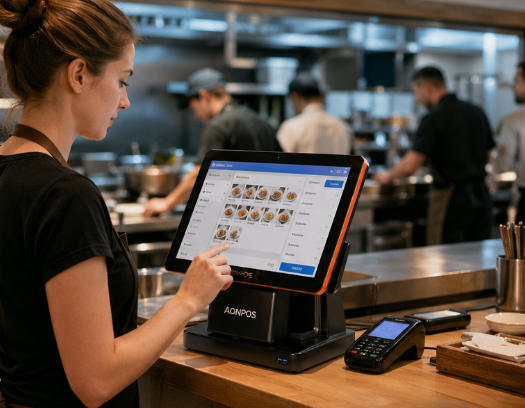
Fast order entry with a responsive touch screen POS
Kitchen display system (KDS) integration
Table and menu management
Multi-payment and split billing
Speed and usability are essential, especially during peak hours.
Retail and Chain Stores
A retail POS system should focus on:
Real-time inventory tracking
Barcode scanning and SKU management
Multi-store synchronization
Customer loyalty and promotions
Retail businesses benefit from all-in-one POS systems that streamline checkout while reducing hardware complexity.
Small Businesses and Growing Brands
For SMEs, flexibility is key. A POS system for small business should be:
Easy to deploy
Cost-efficient
Scalable for future expansion
2. Evaluate Core POS Software Features
When evaluating a point of sale system, software capabilities often matter more than hardware.
A modern POS should include:
Sales tracking and reporting
Inventory management
Customer relationship management (CRM)
Employee and permission control
Integration with ERP, accounting, or eCommerce platforms
For B2B buyers, it's also important to consider whether the system supports customization or white-label deployment, especially when working with an OEM POS manufacturer.
3. Choose the Right POS Hardware Configuration
Hardware selection plays a crucial role in usability and performance. Businesses typically choose between standalone devices and all-in-one POS terminals.
All-in-One POS Systems
An all-in-one POS integrates the display, motherboard, and I/O ports into a single unit. Benefits include:
Clean and space-saving design
Easy installation and maintenance
Lower total cost of ownership
Touch Screen POS Terminals
A touch screen POS improves efficiency by reducing training time and speeding up operations. Capacitive touchscreens are now the standard for accuracy and durability.
Modular POS Machines
A traditional POS machine setup allows more flexibility by connecting peripherals such as:
Receipt printers
Barcode scanners
Cash drawers
This approach is often preferred in complex retail environments.
4. Consider Reliability, Connectivity, and Integration
For enterprise users, reliability is non-negotiable. A professional POS terminal should support:
Stable 24/7 operation
Multiple connectivity options (USB, LAN, Wi-Fi, Bluetooth)
Compatibility with third-party systems
Downtime in a POS system directly impacts revenue, making hardware quality and system stability critical decision factors.
5. Think Long-Term: Scalability and OEM/ODM Capability
A POS system should grow with your business. Whether you're a distributor or a multi-location brand, consider:
Can the system scale across multiple stores?
Does the vendor support customization?
Is there OEM/ODM capability for branding and localization?
This is where working with an experienced POS hardware supplier becomes important.
6. A Practical Example: AonPos POS Hardware Solutions
For businesses looking for reliable and customizable POS hardware, AonPos offers a comprehensive range of solutions.
Through its official POS system page:https://www.aonpostech.com/pos-system
AonPos provides:
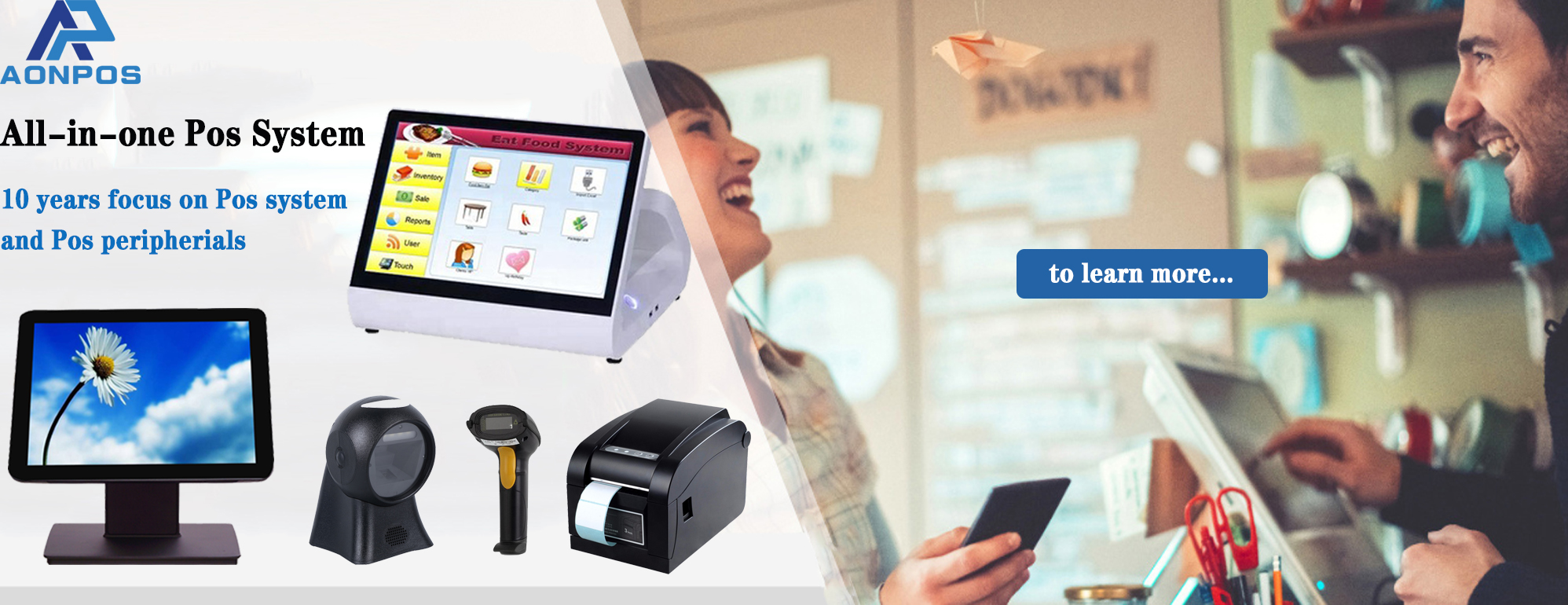
All-in-one POS systems with 15-inch capacitive touch displays
Dual-screen POS terminals for enhanced customer interaction
Customizable touch screen POS machines for retail and restaurant use
OEM/ODM services tailored for distributors and global partners
With a focus on manufacturing and hardware innovation, AonPos is particularly suitable for:
POS resellers and distributors
System integrators
Businesses requiring branded POS solutions
Rather than positioning itself as a software provider, AonPos focuses on delivering stable, flexible, and scalable POS machine hardware that can integrate with various POS software ecosystems.
7. Final Checklist for B2B Buyers
Before making a final decision, ensure your POS system meets the following criteria:
Matches your industry-specific workflow
Offers the right balance between hardware and software
Supports long-term scalability
Comes from a reliable POS hardware manufacturer
Provides customization options if needed
Conclusion
In 2026, selecting the right point of sale system is about more than just transactions—it’s about building a scalable and efficient business infrastructure.
Whether you need a POS system for restaurants, a retail POS system, or a flexible POS solution for small business, the key is to align technology with your operational needs.
At the hardware level, solutions like all-in-one POS, touch screen POS, and robust POS terminals—such as those offered by AonPos—can provide the performance and flexibility required in today’s competitive market.