What is the Best POS for Small Businesses? A Complete Guide to Choosing the Right System
May 21, 2026
Running a small business comes with a unique set of challenges. You’re balancing inventory management, customer relationships, sales tracking, employee oversight, and more—all while trying to grow your business. One of the most powerful tools to help streamline these tasks is a small business POS system.
But with so many options available, how can a small business owner choose the best POS system without being overwhelmed by features, pricing, and technical jargon? This guide breaks down everything you need to know to make an informed decision, focusing on practicality, usability, and long-term value.
Why a POS System Matters for Small Businesses
A POS system is more than just a cash register. It’s a centralized platform that helps you manage transactions, inventory, and customer interactions efficiently. Small businesses, in particular, benefit from POS systems because they help save time, reduce errors, and provide insights that can drive growth.
Here’s why a small business POS system is essential:
1. Faster and More Accurate Transactions
Long checkout lines or manual entry errors can frustrate customers and reduce sales. A modern POS system allows for fast scanning, multiple payment methods, and automatic tax calculations, making every transaction smoother.
2. Better Inventory Management
Manual inventory tracking can be time-consuming and prone to mistakes. A POS system automatically updates stock levels after each sale, alerts you when items are low, and generates purchase orders if needed. This ensures you never run out of your best-selling products.
3. Informed Decision-Making
A POS system collects and organizes sales data, giving business owners insights into trends and performance. From identifying top-selling products to tracking peak shopping hours, this data enables smarter decisions for marketing, inventory, and staffing.
4. Improved Customer Experience
Many POS systems include customer management features like loyalty programs, purchase history tracking, and personalized promotions. These tools help small businesses build strong customer relationships without additional manual effort.
Key Features to Look for in a Small Business POS System
When evaluating POS systems, it’s important to focus on features that solve real business problems rather than flashy extras that won’t be used. Here are the most critical aspects to consider:
1. Ease of Use
Small business owners often wear multiple hats. A system with a steep learning curve can slow down staff and frustrate both employees and customers. Look for a POS with an intuitive interface, easy navigation, and accessible customer support.
2. Payment Processing Flexibility
Today’s customers expect multiple payment options, from credit and debit cards to mobile wallets and contactless payments. A good POS system should accept all major payment types and support secure, compliant transactions.
3. Inventory and Order Management
Whether you run a retail store, café, or boutique, inventory is the backbone of your business. Look for features like real-time stock updates, low-stock alerts, automated reorder suggestions, and integrated supplier management.
4. Reporting and Analytics
Actionable insights are only valuable if they are easy to access and understand. Choose a POS system that offers detailed reports, sales breakdowns, and customizable dashboards so you can make data-driven decisions without spending hours on spreadsheets.
5. Integration Capabilities
Your POS system should integrate seamlessly with your existing tools, such as accounting software, e-commerce platforms, marketing apps, and payroll solutions. Integration reduces errors, saves time, and ensures all aspects of your business operate cohesively.
6. Scalability
Your business will evolve, and your POS system should grow with it. Whether expanding to new locations or adding more product lines, a scalable system ensures you won’t need to start over when growth happens.
Common Challenges Small Businesses Face When Choosing a POS System
Even with clear criteria, small business owners often face common challenges when selecting a POS system. Understanding these obstacles can help you avoid costly mistakes.
1. Overpaying for Unnecessary Features
Many POS providers market systems with advanced features that small businesses may never use, such as sophisticated CRM tools or multi-location inventory management. Evaluate what you truly need and avoid paying for extras.
2. Choosing the Wrong Hardware
Some POS systems require proprietary hardware, while others work on tablets or existing devices. Consider the upfront cost, compatibility, and future flexibility when selecting hardware.
3. Underestimating Training Needs
Even the most intuitive system requires staff training. Look for POS providers that offer thorough onboarding, tutorials, and ongoing support to ensure your team can use the system effectively.
4. Ignoring Data Security
POS systems handle sensitive customer data. Ensure your system follows best practices for payment security, data encryption, and compliance with regulations such as PCI DSS.
How to Compare Small Business POS Systems
When choosing the right POS system, it’s helpful to take a structured approach. Here’s a step-by-step method to make comparison easier:
Step 1: Identify Your Business Needs
Start by making a list of your top priorities. Are you focused on inventory management, loyalty programs, reporting, or mobile payments? Knowing your priorities will narrow down your options.
Step 2: Set Your Budget
Consider both upfront costs (hardware, software) and ongoing expenses (monthly fees, payment processing fees). Be realistic about what your business can afford without compromising essential features.
Step 3: Evaluate Usability
Request demos or trials to see how each system works in a real-world scenario. Ask your staff to test it and provide feedback on ease of use and efficiency.
Step 4: Check Reviews and Reputation
Look for reviews from businesses similar to yours. A system with strong customer support and reliable uptime is often more valuable than one with flashy but underperforming features.
Step 5: Consider Growth Potential
Choose a system that can scale with your business. Can it handle additional products, locations, or sales channels? A scalable POS reduces the need for future replacements.
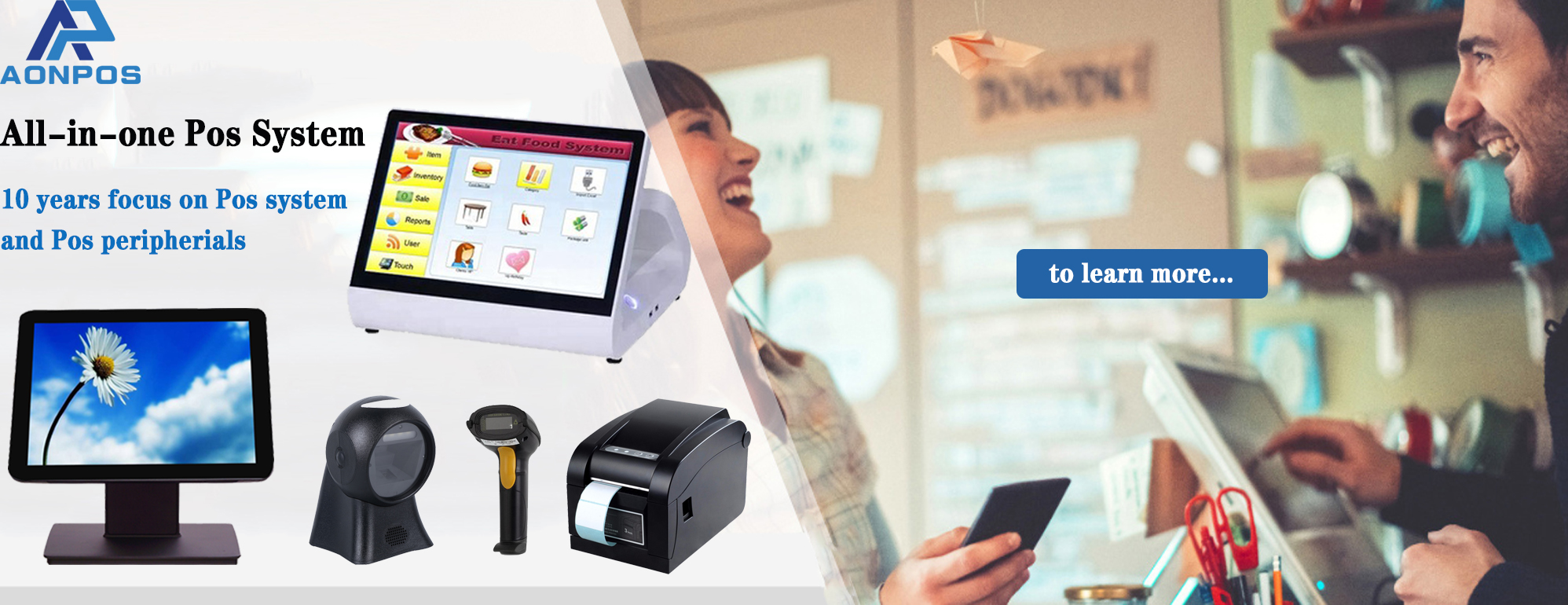
Spotlight: Aonpos for Small Businesses
Among the many options available, Aonpos is a noteworthy choice for small businesses seeking a reliable, feature-rich small business POS system. Here’s why:
User-Friendly Interface: Designed for business owners and staff with minimal technical knowledge.
Comprehensive Inventory Management: Track products, manage suppliers, and automate low-stock alerts.
Sales Analytics: Provides detailed reports to help you identify trends and optimize operations.
Flexible Payment Processing: Accepts multiple payment methods, including credit cards, contactless, and mobile wallets.
Cloud-Based Management: Monitor sales, inventory, and employee performance from anywhere.
Scalable Solution: Supports business growth without requiring costly system replacements.
While AonPOS offers all these features, it remains flexible and avoids unnecessary complexity, making it ideal for small business owners who need a practical and efficient solution.
Tips for Getting the Most Out of Your POS System
Choosing the right POS system is just the beginning. To maximize its benefits, consider these tips:
Train Your Staff Thoroughly: Ensure everyone knows how to use the system efficiently to reduce errors and speed up transactions.
Leverage Analytics: Regularly review reports to identify trends, optimize inventory, and make strategic decisions.
Integrate with Other Tools: Connect your POS system to accounting, marketing, and e-commerce platforms for seamless operations.
Regularly Update Software: Keep your system updated to access new features, security patches, and performance improvements.
Engage Your Customers: Use POS features like loyalty programs, email promotions, and purchase history tracking to enhance customer experience and retention.
Conclusion
Selecting the right POS system is one of the most important decisions a small business owner can make. A good small business POS system not only processes transactions but also improves operational efficiency, enhances customer satisfaction, and provides insights that drive growth.
Solutions like Aonpos offer the right balance of functionality, simplicity, and scalability, making them a strong choice for small businesses looking for a practical and reliable system. By carefully evaluating your needs, budget, and long-term goals, you can find a POS system that supports your business today and grows with it in the future.
Investing in the right POS system allows you to focus less on manual tasks and more on what matters most—building your business and delighting your customers.